Revised: 01/03/2014
Go to Reports>>Check Registers>>Check Register - By Vendor Selection
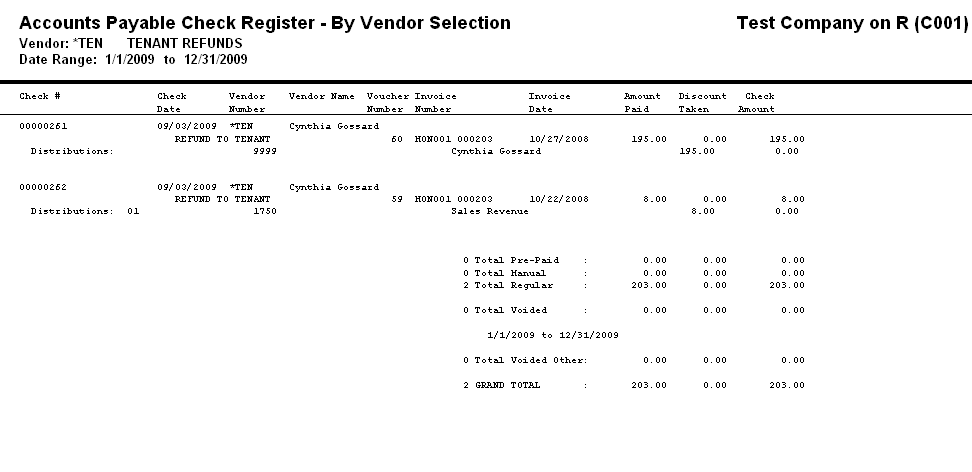
This program will generate an accounts payable check register for the selected vendor.
At the top of the view are the following functions:
A vendor may be selected using the Vendor Number or the Vendor Name fields.
Enter or select the vendor using the Vendor Number or Vendor Name field for the report.
Enter or select a Pay Group for the report. This field may be left blank to generate a report that includes all of the pay groups used for the vendor.
Enter or select a date to begin the report range.
Enter or select a date to end the report range.
Enter a check mark in the Include G/L Distributions box if the generated report is to show general ledger distribution information.
Leave the box unchecked if you do not want to view general ledger distribution information on the report.
Enter a dollar limit for the report. Checks written for amounts lower than the amount entered will be excluded from the report.
Leave the dollar limit at zero to include all amounts on the report.
***********************************************