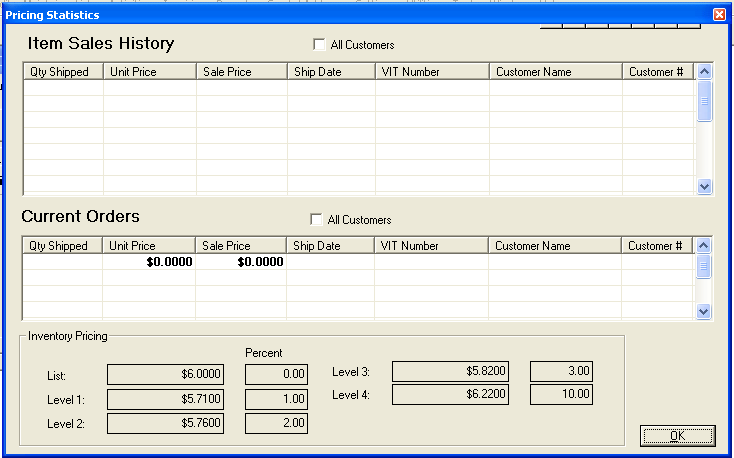
Go to Activities>>Order Entry>>Order Entry>>Line Items>>Customer Price
This program will display Item Sales History for the current customer or all customers for current orders. Inventory Pricing will also be displayed.
Place a checkmark in the box if the report should include all customers.
The following information/columns are in the grid:
Qty Shipped
Unit Price
Sale Price
Ship Date
VIT Number
Customer Name
Customer #
To view current orders from all customers, place a checkmark in the box.
The following information/columns are in the grid:
Qty Shipped
Unit Price
Sale Price
Ship Date
VIT Number
Customer Name
Customer #
The following pricing information for the selected line item is displayed:
List/Percent
Level 1/Percent
Level 2/Percent
Level 3/Percent
Level 4/Percent