
Go to Utilities>>Dictionary Order
This program will rebuild the Dictionary, moving commonly used items within the date range entered to the top of the list.
Enter or select a date for the beginning of the rebuilding range.
Enter or select a date for the end of the rebuilding range.
Click the Rebuild button to begin rebuilding the Dictionary based on the date range entered.
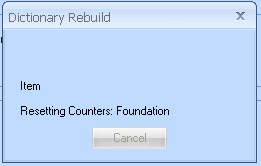
During the rebuilding process you will see a "Dictionary Rebuild" progress information box similar to the one shown below:
When the rebuild has finished, a process complete box will be displayed.
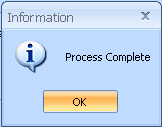
Click OK to close out of the program.
Press the Cancel button to close the program without rebuilding the Dictionary.