Go to Utilities>>Move Completed Inspections to History
This program will move completed inspections to the History file for the handheld and effective date selected.
Select "All" to include all handheld numbers or select a specific handheld number for the move process.
Enter or select an Effective Date for the inspections.
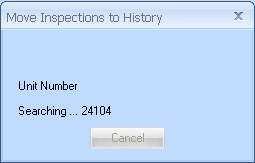
Click the Move to History button to begin the process. The following Move Inspections to History information box will be displayed while the program searches for Inspections to Move: