
Go to Utilities>>Update Indexing File
This program will update the secondary index file.
Click the Update button to begin the process of updating the indexing files.
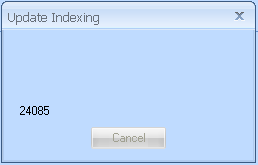
During the process the following Information Box will be shown:
When the process has completed the Update Complete Information Box will be displayed:
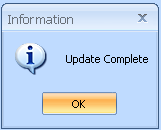
Click OK to close the program