Revised: 05/24/11
Go to Reports>>Earnings Reports>>Time Card Report by Pay Date


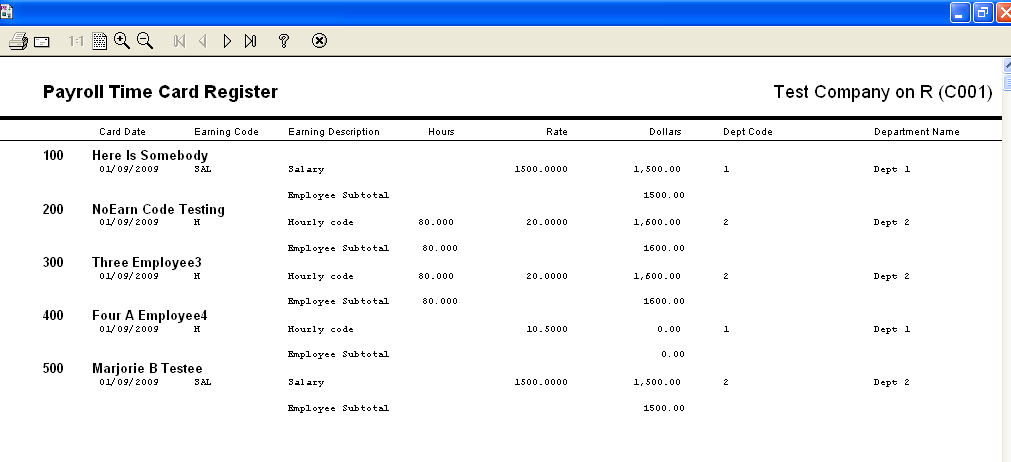
This program will generate a report of time card entries by pay date.
At the top of the view are the following functions:
Enter a valid pay date for the report. This field may be left blank to generate a report for all pay dates.
Caution: If you have been using Horizon for a significant length of time, the report could take awhile to generate the report if the pay date is left blank.