Revised: 11/08/2012
Go to Reports>>Check Registers>>Check Register - Check Book Selection
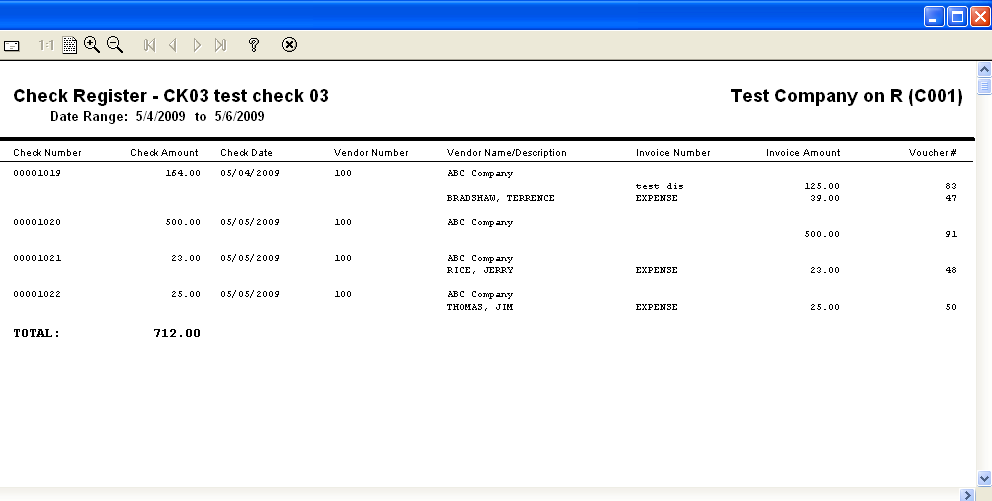
This program will generate a check register report for a selected check book.
At the top of the view are the following functions:
Enter or select a Check Book ID for the report.
Enter or select a beginning date for the report range. This field may be left blank to use only check number information.
Enter or select an ending date for the report range. This field may be left blank to use only check number information.
Enter or select a beginning check number for the report, or leave this field blank to use date information.
Enter or select an ending check number for the report, or leave this field blank to use date information.
*****************************************************