
Tracking Codes Master
The Tracking tab in the Client Master allows you track user-defined information about your individuals. You can setup tracking types for any information you want to monitor and track about your clients.
For example, some Rep Payee providers want to track if the individual uses medical equipment. The tracking type can be any item you want, i.e., allergies, feeding tube, using a C-PAP machine, etc. You can then run a report to review the tracking items.
 Before setting up a Tracking item, make sure there is not an existing place in the system to track the information. For example, if you want to track burial accounts, use the Client Master ASSETS tab. Contact the Horizon Help Desk if you need assistance.
 NAVIGATION: MAINTAIN menu > Master Tables > Rep Payee Tables > Tracking Codes
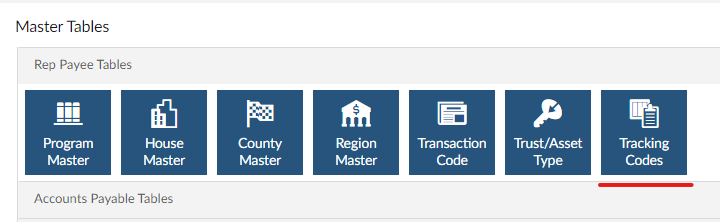
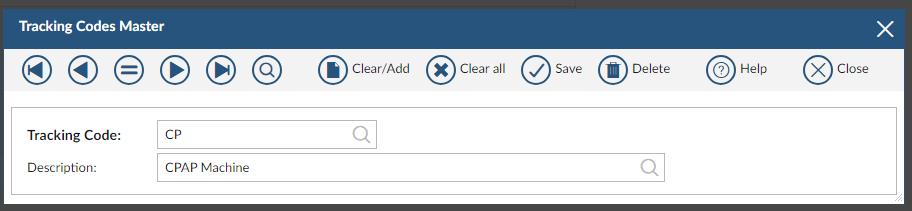
- In the TRACKING code field, enter a code for the item you want to track.
- The code can be up to 15 characters.
- Enter a description for the tracking item.
- Click SAVE.
- Repeat the steps until you have a code entered for all items.
- In the TRACKING CODE field, click the magnifying glass to browse see the complete list of items.
12/2023