
Update Employee Signature
Staff can add an electronic signature to the system that will automatically be added to time sheets.
 NAVIGATION: MENU > System > Update Employee Signature
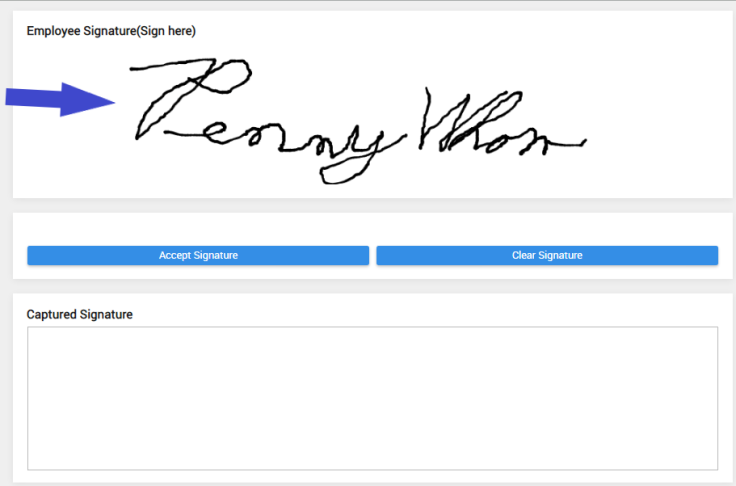
- Using your mouse or a touch pad or touch screen: Sign in the top (Sign here) space
- Click Accept Signature to save the signature.
- Click Clear Signature to start over and write a new signature.
- The Captured Signature will display what is saved.
4/2023