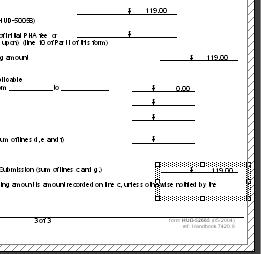
Layout view shows the "objects" that have been placed into the form or letter. The information in the objects is not visible.
A sample is shown below:
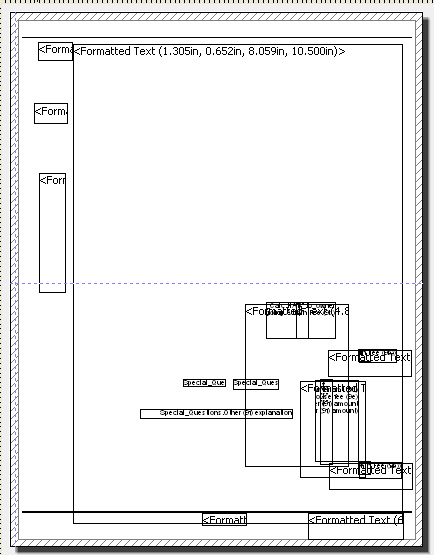
Objects may be double clicked to open them from any of the tab views or from the Object List window.
An opened object will show the information that was entered into it such as:
Formatted Text
Variables
Tables
Lines
Opened objects may be edited
Layout preview shows the "objects" on the page with the information that has been entered or dropped into them.
A sample of the layout preview is shown below:
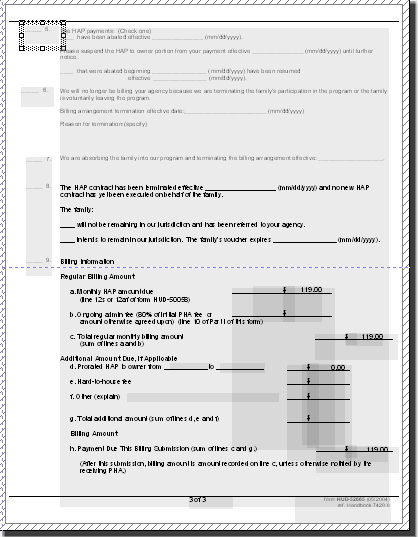
Objects may be double clicked to open them, or they may be opened from the Object List.
Opened objects may be edited.
Preview shows the form as it will look when printed. An object that has been clicked upon will have a focus outline.
A sample of preview mode is shown below:
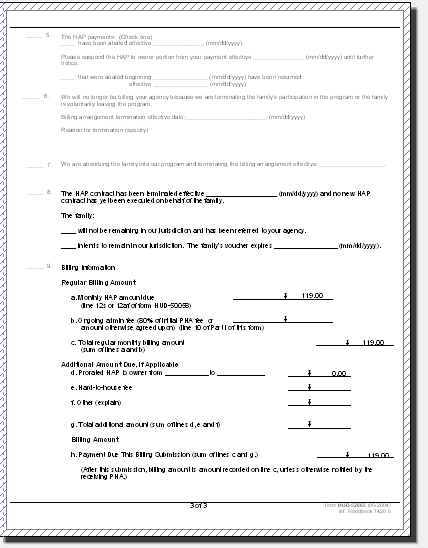
Where objects are on the page is hard to see.
Objects may be double clicked to open them, or they may be opened from the Object List.
Opened objects may be edited.
Objects that have been clicked on will have a focus outline as shown below: