
Import Multiple New Users
This process will allow you to import multiple users from an Excel file to create the user login.
Setup the CSV Import File
The CSV spreadsheet MUST have teh correct column headers to import correctly. CSV spreadsheet column headers are as follows and must be in this order:
- Last name
- First name
- User ID
- Password
- Complete the Import File with the new user information
Import the File
 NAVIGATION: SYSTEM menu > Admin Tools > User Setup
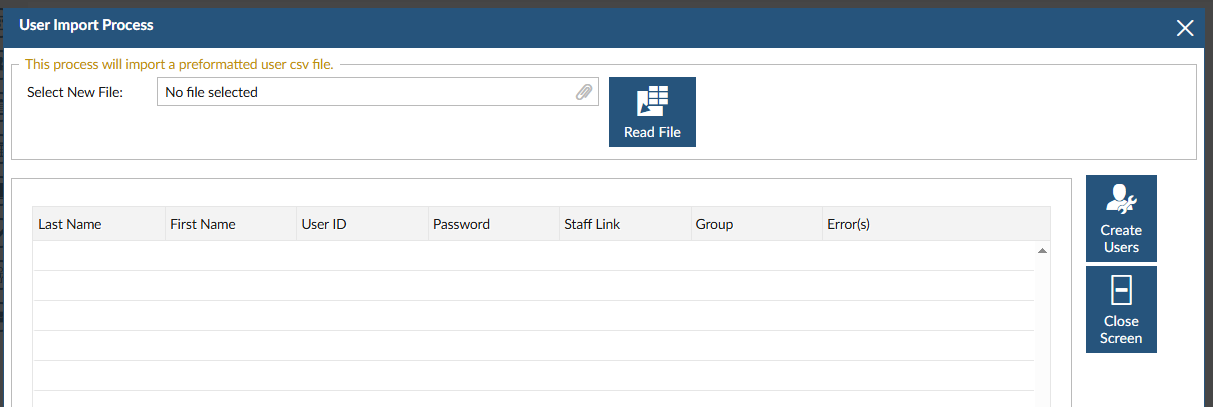
- Click the IMPORT USER INFORMATION button.

- In the SELECT NEW FILE field, click the paperclip to navigate to the CSV file you have saved on your computer.
- Click the READ FILE icon.
- The grid will display the users you have set-up in the CSV file.
- Review the information to ensure it is correct. Click the CREATE USERS icon.
- To review the users, close the screen and on the USER SETUP screen, use the BROWSE button on the USER NAME field to see the complete list of users.
See also Setup New Employees
4/2026